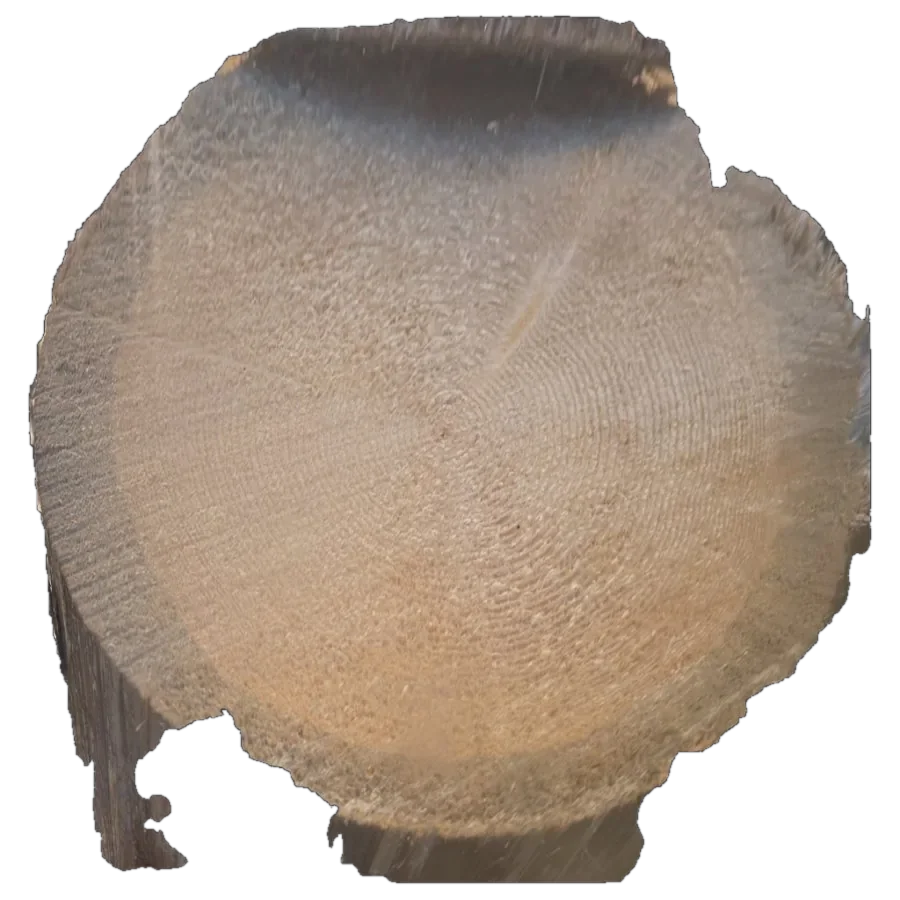
The same log two weeks later
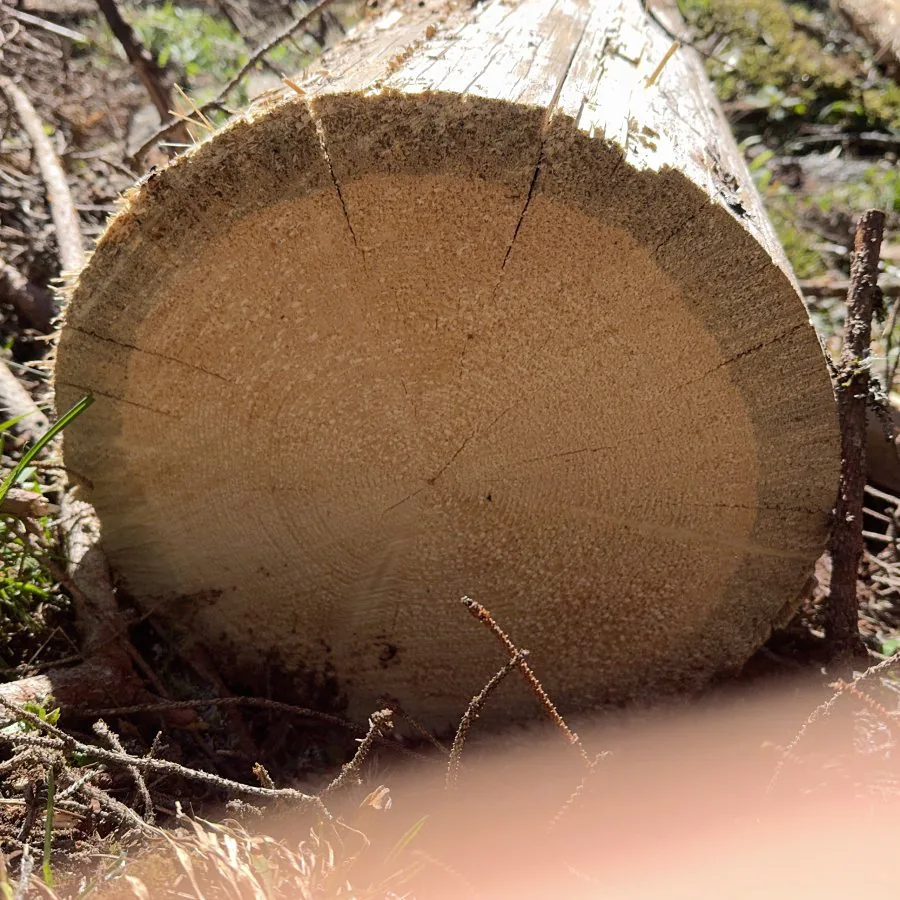
Easy case. Scots pine, Catalonia
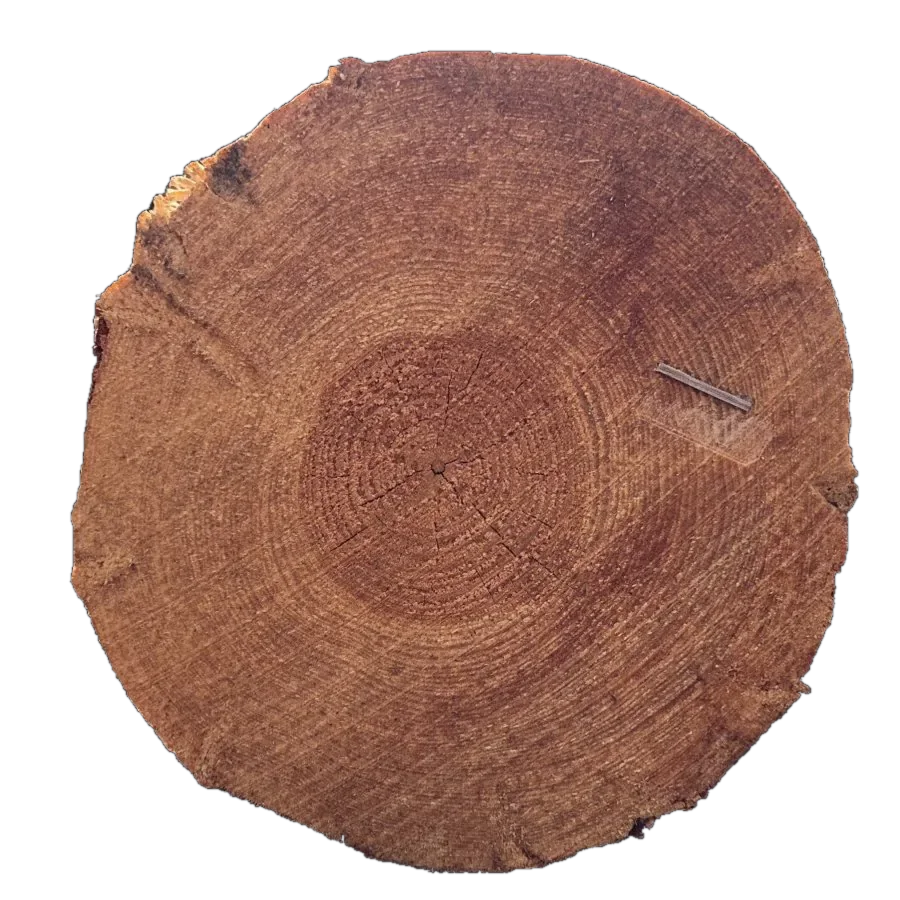
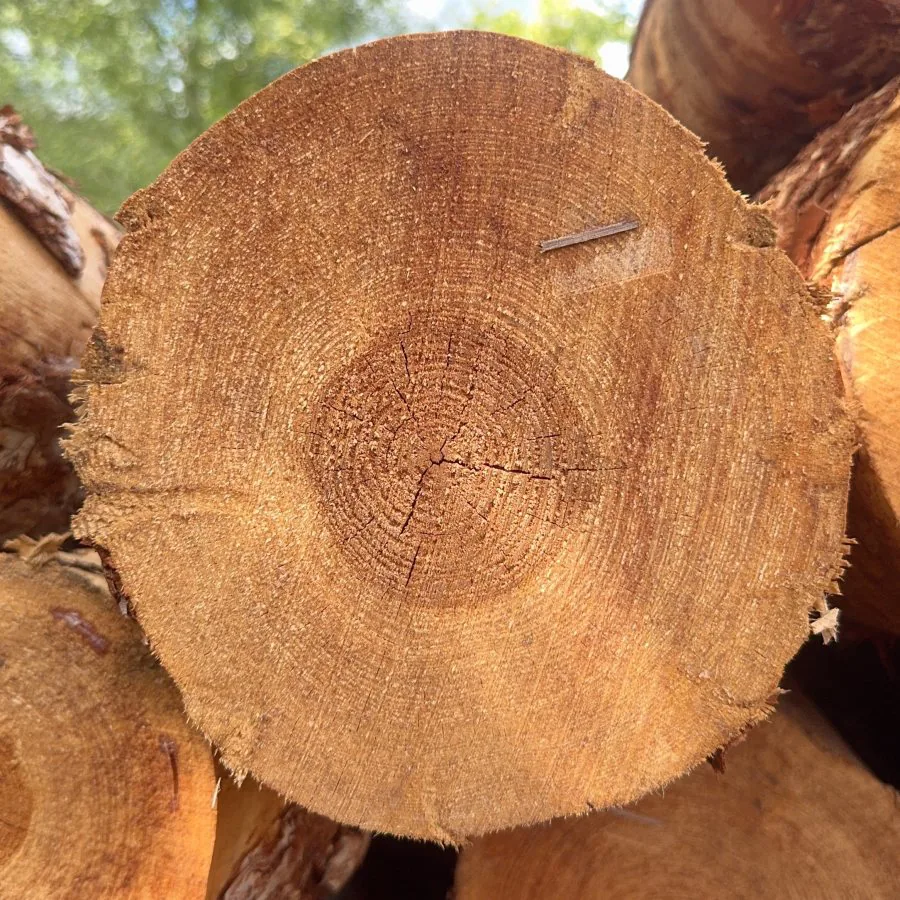
Right log1,478
Next best log28
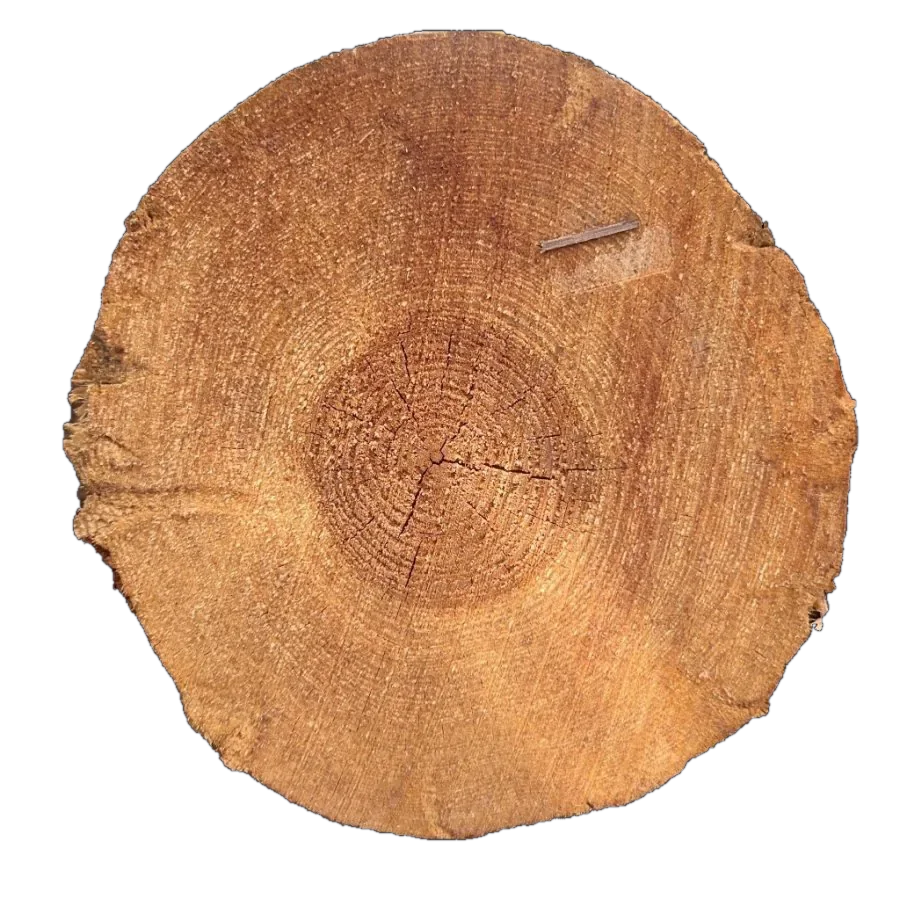
TreeID
Register a log end once. Photograph it again at the landing, at the sawmill or from the harvester, and TreeID tells you which log it is.
No tags, no paint, no barcodes. Rings, pith, cracks and saw marks make every log end unique, and that is enough to follow the log from the forest to the mill.
When TreeID is not sure, it answers “no match”. In the test it never pointed to the wrong log, and all 62 logs that had never been registered were rejected.
The test covers 599 identifications against more than 4,200 registered log ends, with photos from our own field work in Sweden, a sawmill and a harvester in Italy, and two research data sets. The figures for good and poor photos come from the locked part of the test: 336 registered logs kept aside until the method was finished.
Each photo was compared with 4,228 registered log ends. A match needs 75 matching points.
Easy case. Scots pine, Catalonia
Hard case. Norway spruce, Ø about 42 cm, Paneveggio, Italy
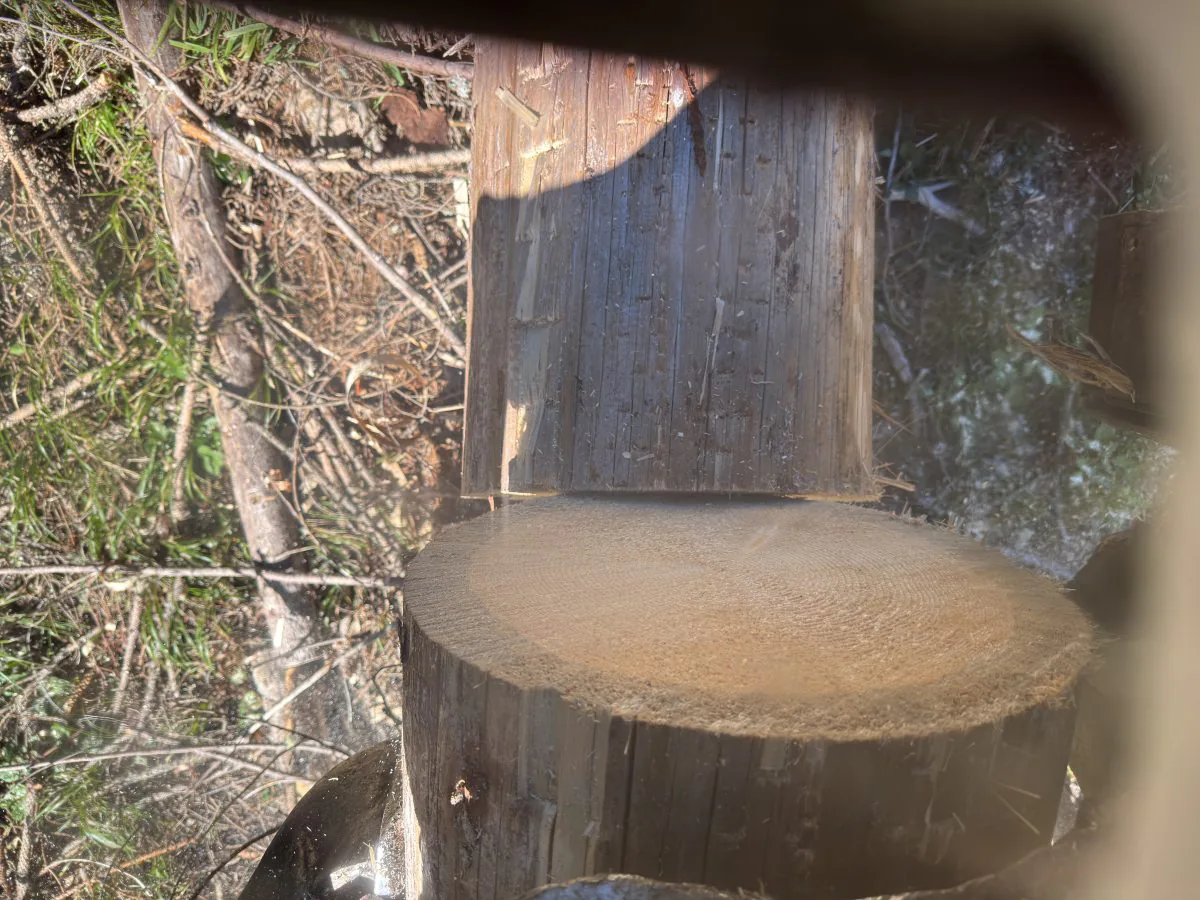
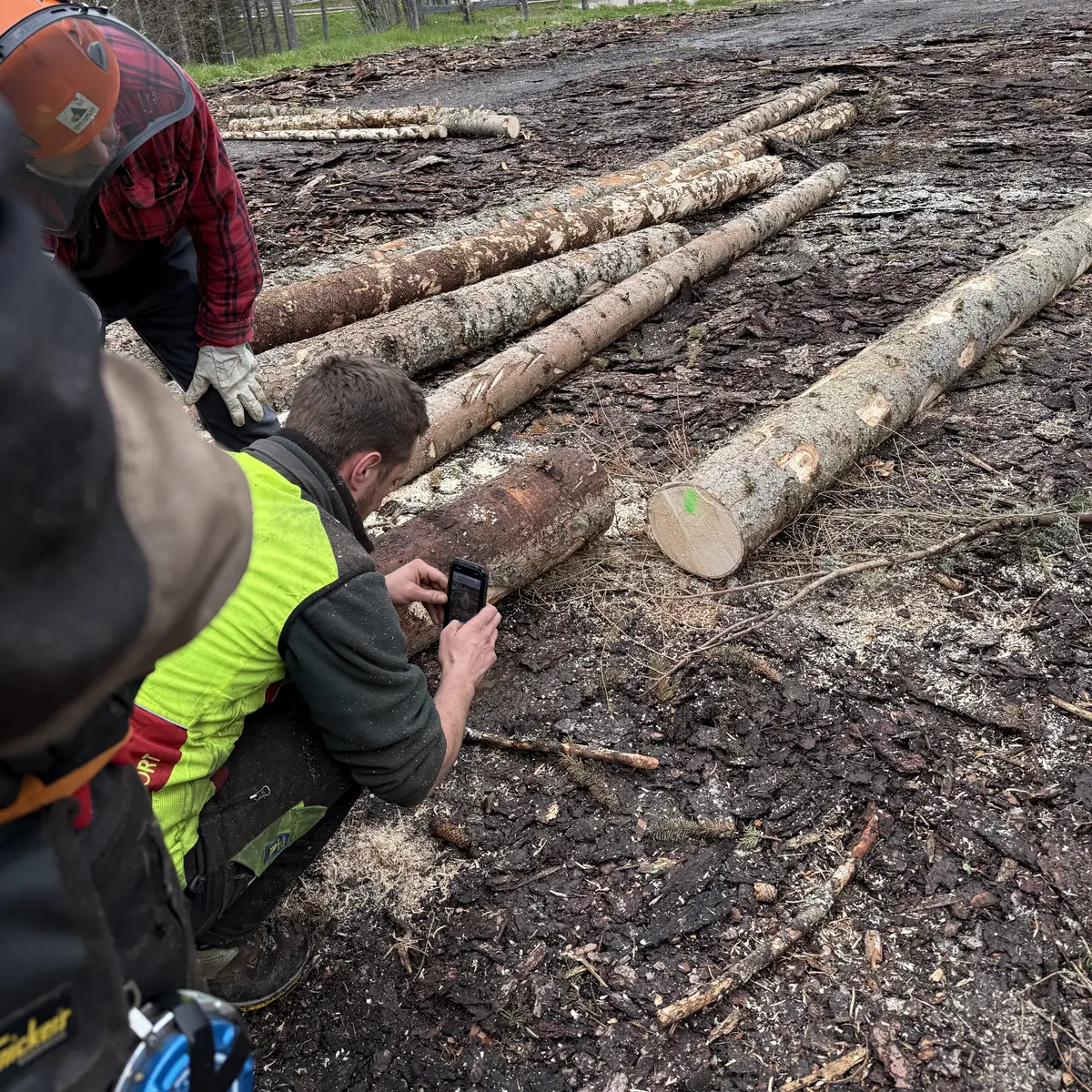
Photograph the log end in the forest with a phone, or let the camera on the harvester head do it at felling. Photos taken at an angle are turned face-on.
At the landing, the terminal or the sawmill, with a phone or an industrial camera. Other light, another angle and upside down are all fine.
The service cuts the log end out of the photo and compares it with the registered log ends. Area, date and diameter can narrow the search.
You get the log and how certain the match is, or word that the log has not been registered.
Upload a photo at treeid.io and get the answer. Browse registered logs and earlier identifications.
Connect harvesters, scaling stations and sawmill cameras to the service with your organisation’s API key.
Identify logs directly from the Tree Scanner app on iPhone.
Read about Tree ScannerA few secondsper log
The search grows by about 0.6 seconds per 1,000 log ends. Filters for area, date and diameter shorten it, and each organisation only searches its own logs.
When we compared TreeID with logs marked with RFID, we found six that did not agree. On a closer look TreeID was right: the RFID readings were wrong.
Read about the research behind TreeIDTreeID is developed by Arboreal in the SINTETIC project, which follows trees from forest to plank and is funded by the European Union through Horizon Europe.
About SINTETICTell us which company or organisation you are with, and we will set up an account.